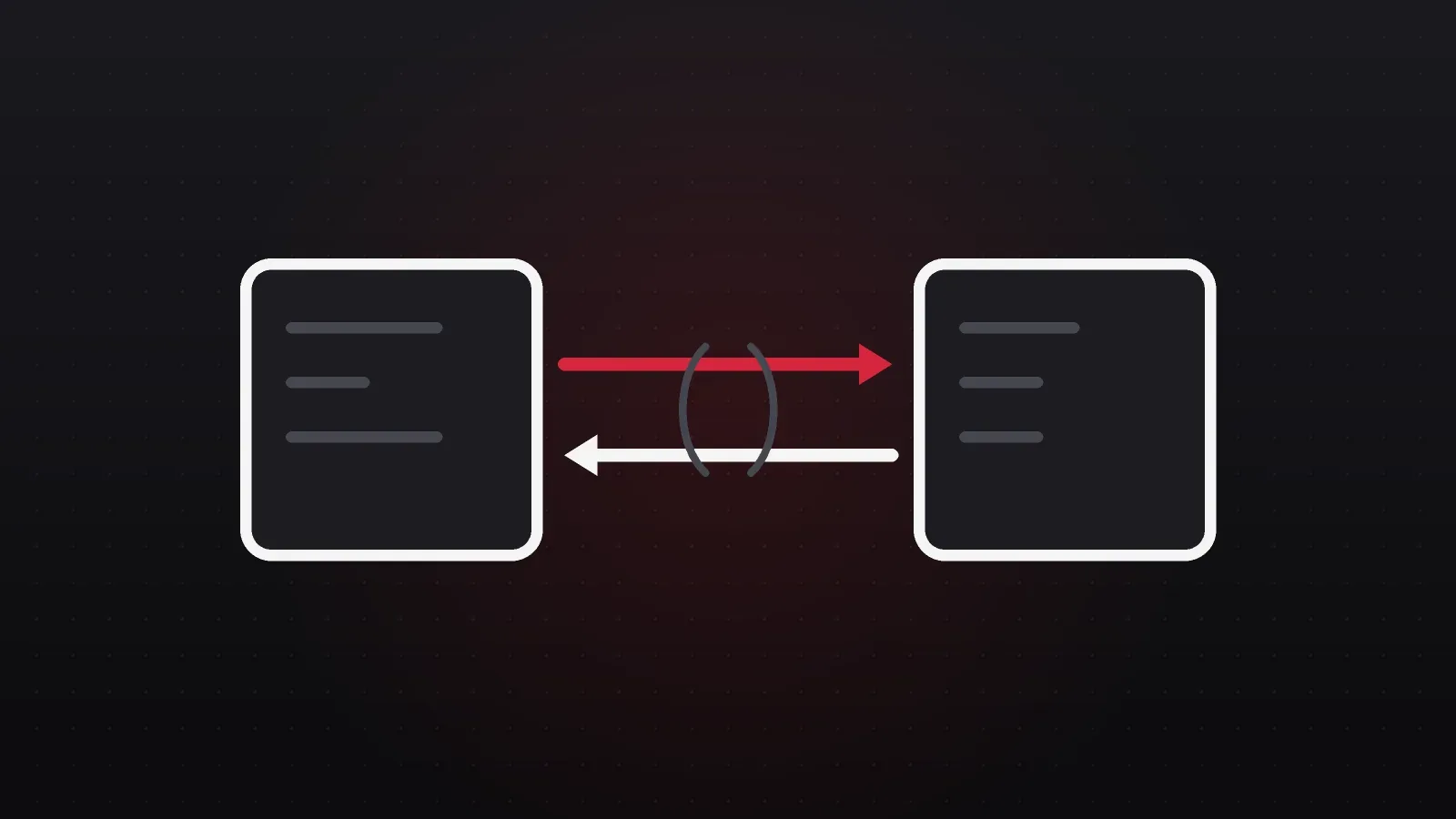
An API, or application programming interface, is a set of rules that lets one program request data or actions from another without knowing how it works inside. A web API takes an HTTP request, such as a weather lookup, and returns a response, usually structured as JSON.
Table of contents 6 sections
- An API is a documented contract that lets one piece of software ask another for data or an action.
- A web API request combines an HTTP method, an endpoint address, headers and sometimes a JSON body, and the reply carries a status code and data.
- REST is the most familiar style, while GraphQL, gRPC, SOAP and webhooks serve other needs.
- API keys must stay secret, and every API call should be treated as something that can fail or be throttled.
- The OpenAPI Specification gives teams a standard way to describe an HTTP API for people and tools.
What is an API? An application programming interface is a set of rules that lets one piece of software ask another to do something or hand back data, without needing to know how the other works inside. The weather widget on your phone, the pay button at an online checkout and a "sign in with Google" button all rely on APIs.
What is an API in plain terms?
Think of a restaurant. You sit at a table with a menu, the kitchen prepares the food, and a waiter carries orders in and dishes out. You never see the kitchen.
The menu is the documentation, listing what you may ask for and how, and the waiter is the API, the agreed channel between you and the kitchen. As long as the menu stays valid, the kitchen can change its stoves, staff and suppliers without you noticing.
MDN's glossary describes an API as a simple contract between the software that offers it and everything that uses it. That contract is the point: both sides can change their internals as long as they keep their promises. The term covers many interfaces, from an operating system's functions to a programming library, but most news about APIs concerns web APIs, which work over HTTP.
How does a web API request work?
- The client, which might be a mobile app or another server, builds a request: an HTTP method such as GET (read) or POST (create), the address of an endpoint, headers that carry details such as a key, and sometimes a body in JSON format.
- The request travels across the internet. First the server's name is resolved to an address, a step explained in how DNS works.
- The server checks who is asking and whether they are allowed, runs the requested logic and may query a database.
- The server sends back a response: a status code plus, usually, data in JSON.
- The client reads the status code, then displays or stores the data.
Imagine a request to api.example.com/v1/weather?city=Oslo. It might return the status 200 and a short JSON body naming the city and its temperature. HTTP standardises the status codes: 200 means success, 201 means something was created, 400 means the request was malformed, 401 and 403 mean not authenticated and not allowed, 404 means not found, 429 means too many requests, and 500 means the server failed. The MDN status code reference lists them all.
Proof of identity usually travels in a header. It is either an API key that identifies the application, or a token obtained through OAuth 2.0 when the call acts on behalf of a particular user. Without valid credentials, most APIs answer with a 401 or 403 instead of data.
What are REST, GraphQL and other API styles?
- REST: an architectural style described in Roy Fielding's 2000 doctoral dissertation. Resources have addresses, and standard HTTP methods act on them. It is the most familiar style for web APIs.
- GraphQL: a query language in which the client states exactly which fields it wants, so one request can gather data that would take several REST calls.
- gRPC: a remote-procedure-call framework that sends compact binary messages over HTTP/2, common between internal services.
- SOAP: an older XML-based protocol that remains in many enterprise systems.
- Webhooks: the reverse direction. The server calls your address when an event happens, such as a payment succeeding.
None of these is best everywhere. REST is the easiest to start with, GraphQL helps when a screen needs many small pieces of data at once, and gRPC suits fast communication between services you control.
Where do you meet APIs every day?
An online shop usually does not handle card numbers itself, because its checkout page calls a payment provider's API. A store locator embeds a mapping service through an API. A "sign in with" button relies on OAuth 2.0, a standard defined in RFC 6749 that lets an app obtain limited access to an account without ever seeing your password.
AI tools work the same way. Many apps send your prompt to a model provider's API and display the reply, and an AI agent often acts in the world by calling APIs as tools. For how the models behind those calls work, see how large language models work.
How are APIs documented and kept stable?
Good APIs are described precisely. The OpenAPI Specification, maintained under the Linux Foundation, defines a language-agnostic way to describe HTTP APIs, so people and tools can understand what a service offers without reading its source code. Many documentation sites and code generators are built from such descriptions.
Providers also version their APIs, often with a number in the address such as /v1/, so that a change that would break existing users arrives under a new version. They publish deprecation notices before retiring old ones, and they set rate limits, which is why a client sometimes receives a 429 response. An API you depend on is a promise someone else can change, so watch for those notices.
How to use an API safely and sensibly
- Read the documentation first, including limits and pricing, before writing code.
- Keep your API key secret. Never place it in a public repository or in code that runs in a visitor's browser. Store it in an environment variable or a secrets manager, and give each key only the permissions it needs.
- Use HTTPS only. If you build an API rather than use one, authenticate and authorise every request instead of trusting where it came from, the principle behind zero trust security.
- Handle errors. Retry with increasing delays after a 429 or 500 response, and never loop endlessly.
- Plan for downtime. A provider promising 99.9 percent availability still allows about 8.8 hours of outage a year, so cache important data and decide what your product does when a call fails.
So what is an API worth to your project? It lets you borrow capabilities instead of building them, at the price of depending on someone else's reliability, rules and prices. Weigh that trade before you build on one.
Frequently asked
- API (MDN Web Docs Glossary) — MDN Web Docs
- OpenAPI Specification — OpenAPI Initiative
- RFC 9110: HTTP Semantics — IETF (RFC Editor)
- Representational State Transfer (REST), chapter 5 of Architectural Styles and the Design of Network-based Software Architectures — University of California, Irvine



0 comments
No comments yet — be the first.