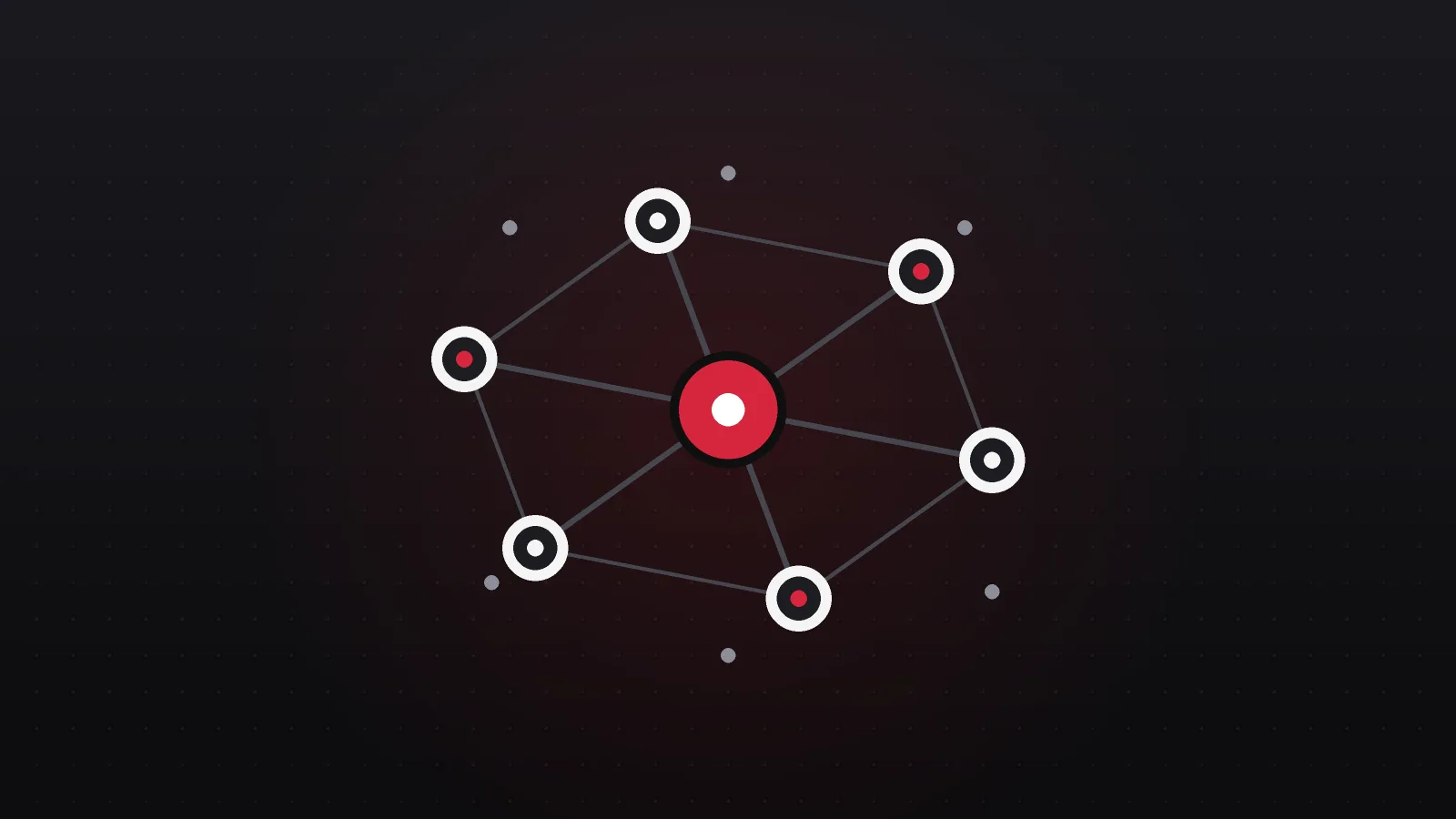
An AI agent is software where a language model chooses its own steps toward a goal, calling tools such as search, files or code along the way. A chatbot only replies with text. An agent acts, which makes it more useful and also riskier.
Table of contents 6 sections
- A chatbot returns text; an AI agent takes actions toward a goal using tools.
- Most agents run a loop of plan, act and observe, inside limits set by people.
- Errors compound and hidden instructions in web pages can hijack an agent.
- Start with the simplest design, give narrow access and require approval for irreversible steps.
- Many good products are fixed workflows with a model inside, not fully autonomous agents.
So, what is an AI agent? It is software in which a language model decides what to do next, instead of following a script written in advance. You give it a goal, such as "find the cheapest flight that fits my calendar" or "fix this failing test". It chooses its own steps, calls tools such as search, a database or a code editor, looks at the results and keeps going until it thinks the job is done or it gets stuck.
AI agent vs chatbot: the core difference
A chatbot answers. You send a message, it returns text, and nothing else happens unless you write again. An agent acts. Its output is a series of actions: it reads files, sends requests, edits records and checks its own work. The same underlying model can power both. What changes is the loop wrapped around it and the permissions it is given.
| Chatbot | AI agent | |
|---|---|---|
| Main output | Text for you to read | Actions taken on your behalf |
| Who decides the steps | You, one message at a time | The model, within limits you set |
| Tools | Usually none | Search, files, code, company systems |
| Main risk | A wrong answer | A wrong action |
A quick test: ask who decides the next step. If your code does, you have a workflow. If the model does, within limits you set, you have an agent. Real products often mix the two.
What is an AI agent made of?
Most agents run a loop built from four parts:
- A model that reads the goal and the current situation and picks the next step.
- Tools it can call, such as web search, a calendar, a code runner or a company's internal systems.
- Context or memory: what it has tried so far, plus any documents or notes it was given.
- Guardrails: limits on what it may do, when it must stop and when a person has to approve.
On each pass the agent plans, acts and observes the result. Anthropic, the company behind the Claude models, draws a useful line in its engineering guide Building Effective Agents. It separates workflows, where the steps are fixed in code, from agents, where the model directs its own process and tool use. Many successful products are workflows with a model inside them rather than fully autonomous agents.
Where AI agents are useful
- Software development: reading a codebase, making a change and running the tests.
- Customer support: looking up an order, checking the policy and issuing a refund within a set limit.
- Research: gathering sources, comparing them and drafting a summary with references.
- Operations: sorting tickets, reconciling records and scheduling work.
Where AI agents go wrong
- Errors compound. A wrong early step carries into every step after it.
- Prompt injection. Text hidden in a web page or email can try to give the agent new orders. Treat anything the agent reads as untrusted.
- Over-broad permissions. An agent that can delete records will eventually delete one it should not.
- Cost and delay. Loops make many model calls, so a simple task can become slow and expensive.
- Weak audit trails. If you cannot see what it did and why, you cannot fix it.
How to start with an AI agent safely
- Begin with the simplest design that works. A single well-written request is often enough, and Anthropic's guide gives the same advice.
- Grant the narrowest access possible, and start read-only.
- Require human approval for anything irreversible, such as payments, deletions and outgoing messages.
- Log every tool call and test on realistic cases before you use real data.
- Set a budget and a stop condition so a stuck agent cannot run forever.
Rules are already catching up
Institutions are drawing lines around these tools. Sweden's Government Offices, for example, chose which assistants staff may use, as we reported in Sweden blocks ChatGPT and Claude on work computers. In Europe, an agent that affects people's rights at work or in access to services may also fall under the higher tiers of the law we break down in EU AI Act explained.
Frequently asked
- Building Effective Agents — Anthropic
- AI Risk Management Framework — NIST

0 comments
No comments yet — be the first.