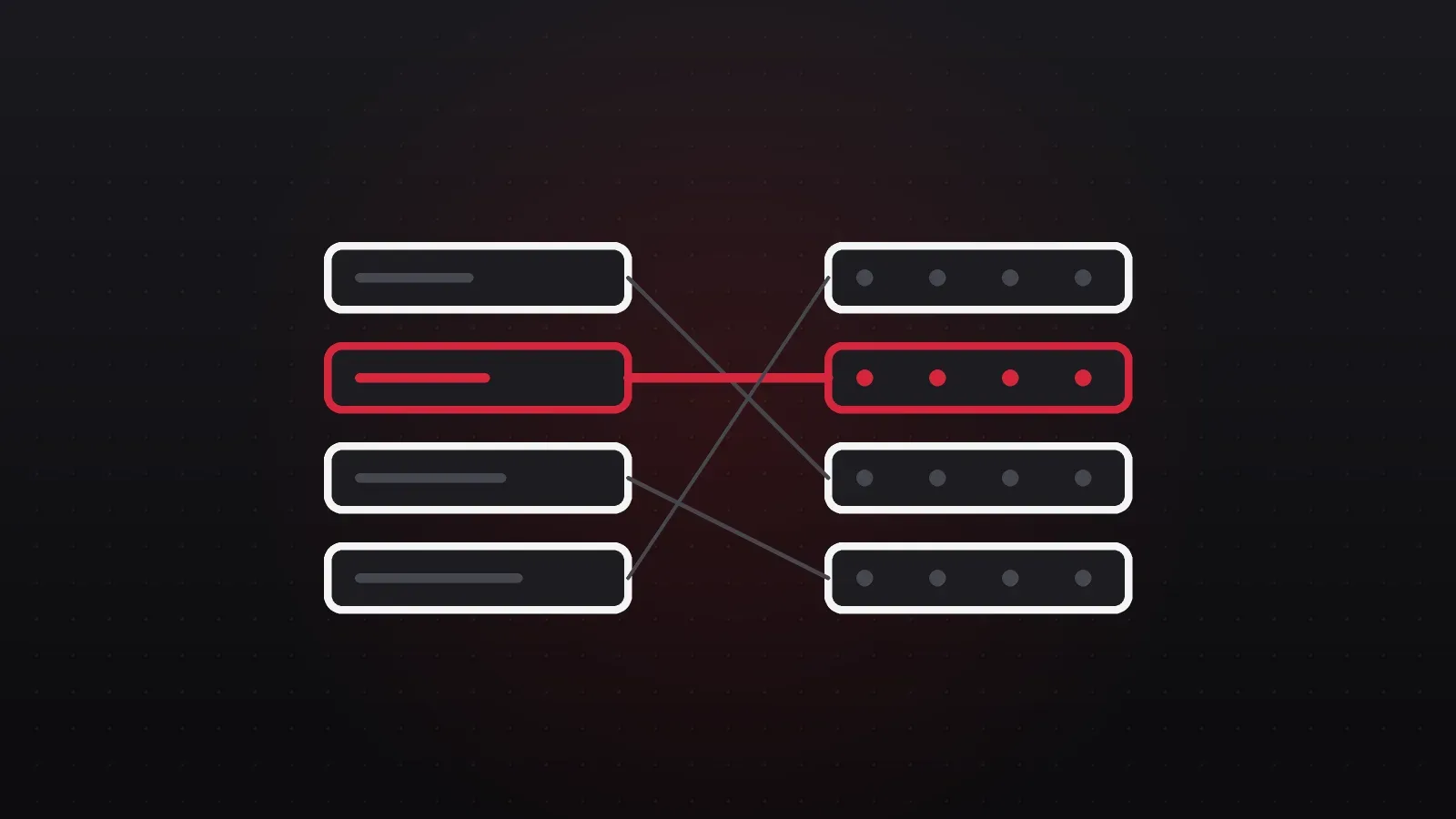
DNS, the Domain Name System, translates a domain name such as example.com into an IP address. Your device asks a recursive resolver, which queries root, top-level-domain and authoritative servers in turn, then returns the answer to your device and caches it for the record's time to live.
Table of contents 7 sections
- DNS translates human-readable names into the IP addresses that computers use to connect.
- A lookup moves from your device to a recursive resolver, then to root, top-level-domain and authoritative servers.
- Resolvers cache each answer for its time to live, which is why DNS changes do not reach everyone at once.
- DNSSEC proves that an answer is authentic, while DNS over HTTPS and DNS over TLS encrypt the query in transit.
- Common records include A, AAAA, CNAME, MX, NS and TXT, each serving a different purpose.
How does DNS work? It translates a name such as example.com into the numeric IP address a computer needs to connect, by asking a short chain of servers and then remembering the answer. The Domain Name System is the internet's distributed directory, and every page load, email and app launch depends on it.
What is DNS and why does the internet need it?
Networks route traffic by IP address, a number that is hard to remember and can change when a service moves. Names are easier for people and stay stable. An IPv4 address is 32 bits long, so there are about 4.3 billion of them, and nobody memorises those. The newer IPv6 format uses 128 bits.
In the early days, host names were mapped to addresses in a single file that every machine downloaded. RFC 1034 and RFC 1035, published in 1987, replaced that file with a hierarchy that no one organisation has to maintain. They remain the foundation of the system.
How does DNS work, step by step?
Suppose you open www.example.com for the first time. This is what happens:
- Your browser checks its own cache, then the operating system's cache. If either holds a fresh answer, the lookup ends there.
- If not, your device sends the question to a recursive resolver. It is usually run by your internet provider or by a public service you chose, and it does the legwork on your behalf.
- The resolver asks a root server which servers handle the top-level domain, here .com. The root does not know the final answer, only where to look next.
- The resolver asks a .com server which name servers are responsible for example.com.
- The resolver asks one of those authoritative name servers for the address of www.example.com. It holds the actual records and replies with the answer.
- The resolver hands the address to your device and keeps a copy. Your browser then connects to that IP address.
Domains normally list several name servers, so a lookup still succeeds if one of them is down. Queries usually travel as small UDP packets to port 53, with TCP used as a fallback when an answer is too large for one packet.
Names are read from right to left. The root sits at the far end, then the top-level domain, then the domain, then any subdomains, and each step of the lookup narrows the search by one level of that hierarchy.
The root layer is more distributed than it sounds. According to root-servers.org, the 13 root name servers are operated by 12 independent organisations, and each is served from many locations worldwide, so your query reaches a nearby copy.
What are DNS records?
An authoritative server stores its data as records. The ones you will meet most often are:
- A and AAAA: map a name to an IPv4 or an IPv6 address.
- CNAME: makes one name an alias for another.
- MX: names the mail servers that accept email for the domain.
- NS: names the authoritative servers for the domain.
- TXT: holds free text, used for domain ownership checks and for email anti-spoofing policies such as SPF.
Why do DNS changes take time to spread?
Every record carries a time to live, or TTL, measured in seconds, that tells resolvers how long they may reuse the answer. Caching is what makes DNS fast and what keeps the load off authoritative servers. It also means a changed record does not reach everyone at once. Resolvers that stored the old answer keep serving it until the TTL runs out, and what people call propagation is mostly old caches expiring.
If you plan to move a website, lower the TTL well ahead of the change, at least as far in advance as the old TTL lasts. Make the switch, then raise it again once everything works.
Who runs the Domain Name System?
No single company does. ICANN coordinates the system of names and numbers, and the root zone is managed through IANA. Registries run each top-level domain, and IANA's records show that VeriSign Global Registry Services manages .com. Registrars sell domain names to the public and record which name servers each domain uses.
How secure is DNS?
The original design had no authentication and no encryption. A forged answer, known as cache poisoning, could send you to the wrong server, and anyone on the path could read your queries. Two separate fixes exist.
DNSSEC, defined in RFC 4033 and its companions, adds digital signatures so a resolver can verify that an answer is authentic and unaltered. It does not hide anything. DNS over HTTPS (RFC 8484) and DNS over TLS (RFC 7858) do the opposite, encrypting the query between your device and your resolver, which still sees what you ask.
Neither stops fraud on its own. Attackers register lookalike domains that resolve perfectly well, so a working lookup says nothing about whether a site is honest. Our guide on how to spot a phishing email covers the habits that help. A VPN also changes who sees your lookups, because many VPN apps send them to the provider's own resolver, and how a VPN works explains what it does and does not hide.
How does DNS work for your own domain?
A few habits prevent most problems, whether you are troubleshooting or managing a domain:
- To see what a name resolves to, run nslookup example.com or dig example.com in a terminal.
- If a site works for others but not for you, clear your local cache. On Windows the command is ipconfig /flushdns.
- To change resolver, edit the DNS setting on your device or router. Pick a provider whose privacy policy you have read, and switch on encrypted DNS where it is offered.
- If you own a domain, keep the NS records at your registrar pointing at the DNS host you actually use, lower TTLs before migrations, and enable DNSSEC if your registrar and host support it.
- Protect the registrar account with two-factor authentication. Whoever controls it controls where your domain points.
Frequently asked
- RFC 1034: Domain names - concepts and facilities — IETF (RFC Editor)
- RFC 1035: Domain names - implementation and specification — IETF (RFC Editor)
- Root Servers: the root server system — root-servers.org
- RFC 4033: DNS Security Introduction and Requirements — IETF (RFC Editor)

0 comments
No comments yet — be the first.