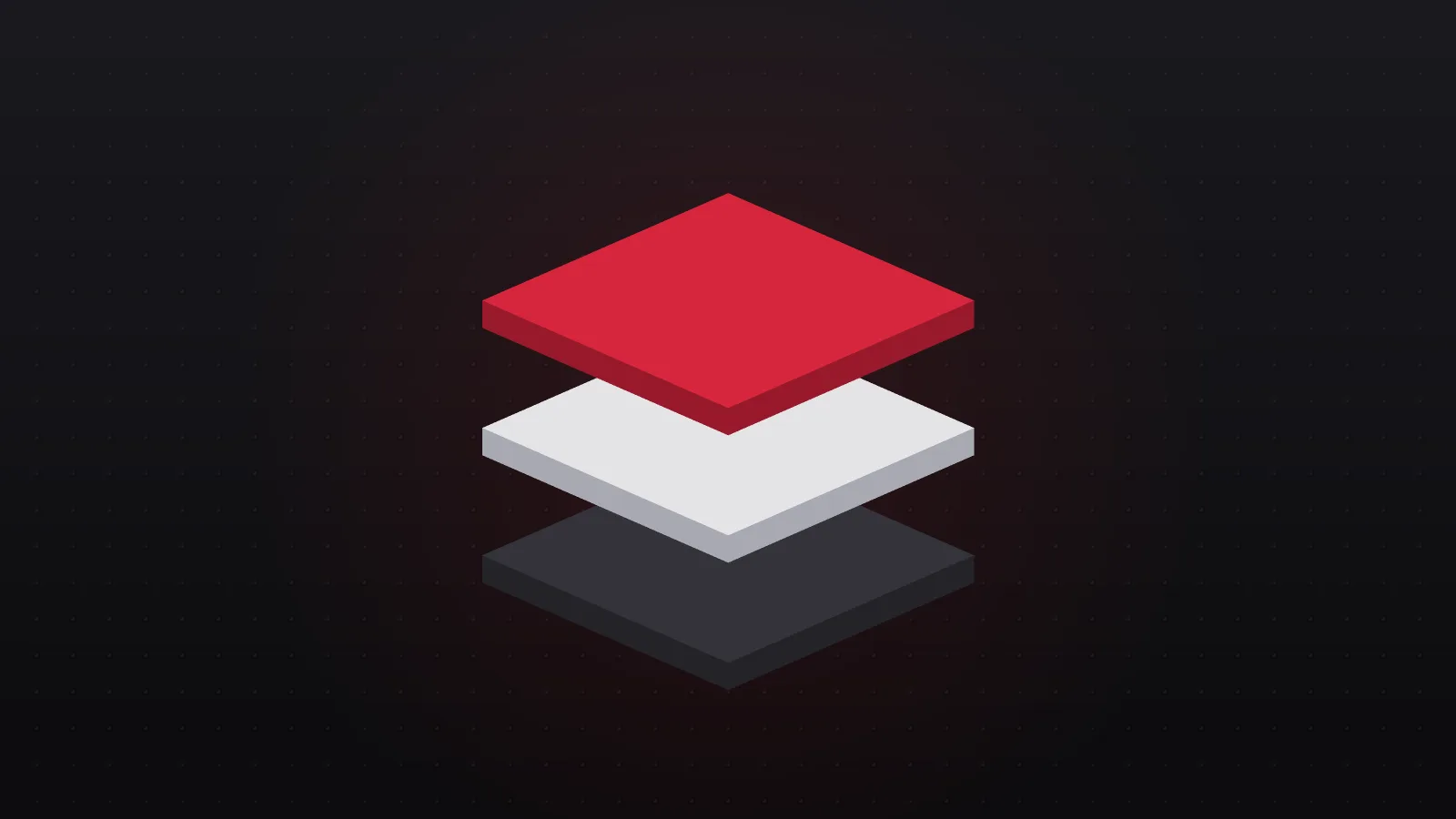
IaaS rents servers, storage and networking, and you manage everything above them. PaaS also runs the operating system and runtime, so you manage only your app and data. SaaS is a finished application where the provider runs everything and you manage users and settings.
Table of contents 9 sections
- IaaS gives you infrastructure, PaaS adds a managed platform, and SaaS delivers a finished app.
- The more the provider manages, the less control you have and the less you maintain.
- In every model your data and access settings remain your responsibility.
- Choose SaaS for standard needs, PaaS for building apps quickly and IaaS when you need control.
- Most organizations use all three, and serverless is a flavor of PaaS.
The debate over IaaS vs PaaS vs SaaS comes down to one question: how much of the technology do you want to manage yourself? All three are ways of renting computing from a cloud provider instead of buying and running your own hardware. They differ in where the provider's responsibility stops and yours begins.
IaaS vs PaaS vs SaaS in plain terms
The formal definitions come from the US National Institute of Standards and Technology, in Special Publication 800-145, and cloud vendors still use them.
- Infrastructure as a Service (IaaS) rents you the raw building blocks: virtual servers, storage and networking. You install and manage the operating system, the software that runs on it and your applications.
- Platform as a Service (PaaS) rents you a ready platform for running code. The provider looks after servers, operating systems and runtimes. You deploy your application and manage your data and settings.
- Software as a Service (SaaS) gives you a finished application over the internet. The provider runs everything. You manage your users, content and configuration.
A kitchen analogy
Think of making dinner. With IaaS you rent an empty kitchen with power and water, and you bring the ingredients, the recipes and the cook. With PaaS the kitchen comes equipped and maintained, so you bring only the recipe and the ingredients. With SaaS you order a meal: someone else cooks, and your choices are limited to the menu.
Who manages what
| Model | The provider manages | You manage |
|---|---|---|
| IaaS | Servers, storage, networking | Operating system, runtime, application, data |
| PaaS | Servers, operating system, runtime | Application, data |
| SaaS | Everything, including the application | Your data, users, settings |
Notice that in every model your data, and who can reach it, stay your responsibility.
Examples you will recognize
- IaaS: Amazon EC2, Microsoft Azure Virtual Machines, Google Compute Engine.
- PaaS: Google App Engine, Azure App Service, Heroku.
- SaaS: Microsoft 365, Google Workspace, Salesforce, Slack, Zoom.
How to choose between IaaS, PaaS and SaaS
- Pick SaaS when a finished product already does the job, such as email, payroll or customer records. It is the fastest to start and the least to maintain, but you accept the vendor's way of working.
- Pick PaaS when you are building your own application and would rather not manage servers. You ship faster, at the price of leaning on the platform's own features.
- Pick IaaS when you need control: a specific operating system, specialized software, a lift-and-shift of an older system, or hardware such as GPUs. It is the most flexible and the most work, and security patching is yours.
Most organizations end up using all three at once.
Cost, security and lock-in
- Cost. SaaS is usually a per-user subscription. IaaS and PaaS bill for what you use, and resources left running still bill, so monitor them.
- Security. Providers follow a shared responsibility model: they secure the cloud itself, and you secure what you put in it, including identities, settings and data. Misconfigured storage and weak access controls are common causes of cloud data exposure.
- Lock-in. SaaS makes you depend on export formats, PaaS on proprietary services, and IaaS on the least. Check how you would leave before you commit.
Questions to ask a cloud provider before you sign
- Where is my data stored, and can I choose the region?
- How do I export everything if I leave, and in what format?
- What does the service level agreement promise for uptime, and what happens if it is missed?
- Which security duties does the provider take on, and which stay with me?
- How are costs capped or flagged so that one mistake cannot create a surprise bill?
Where serverless and containers fit
Serverless computing, where you upload small functions and pay per run, is a flavor of PaaS. Containers sit between IaaS and PaaS. The labels blur at the edges, so judge a service by what you must still manage rather than by its name.
Why it matters beyond IT budgets
The cloud business has become a headline number for the biggest technology companies, as in our coverage of Alphabet's third quarter. Behind it is a building boom that we examine in data center energy demand.
0 comments
No comments yet — be the first.