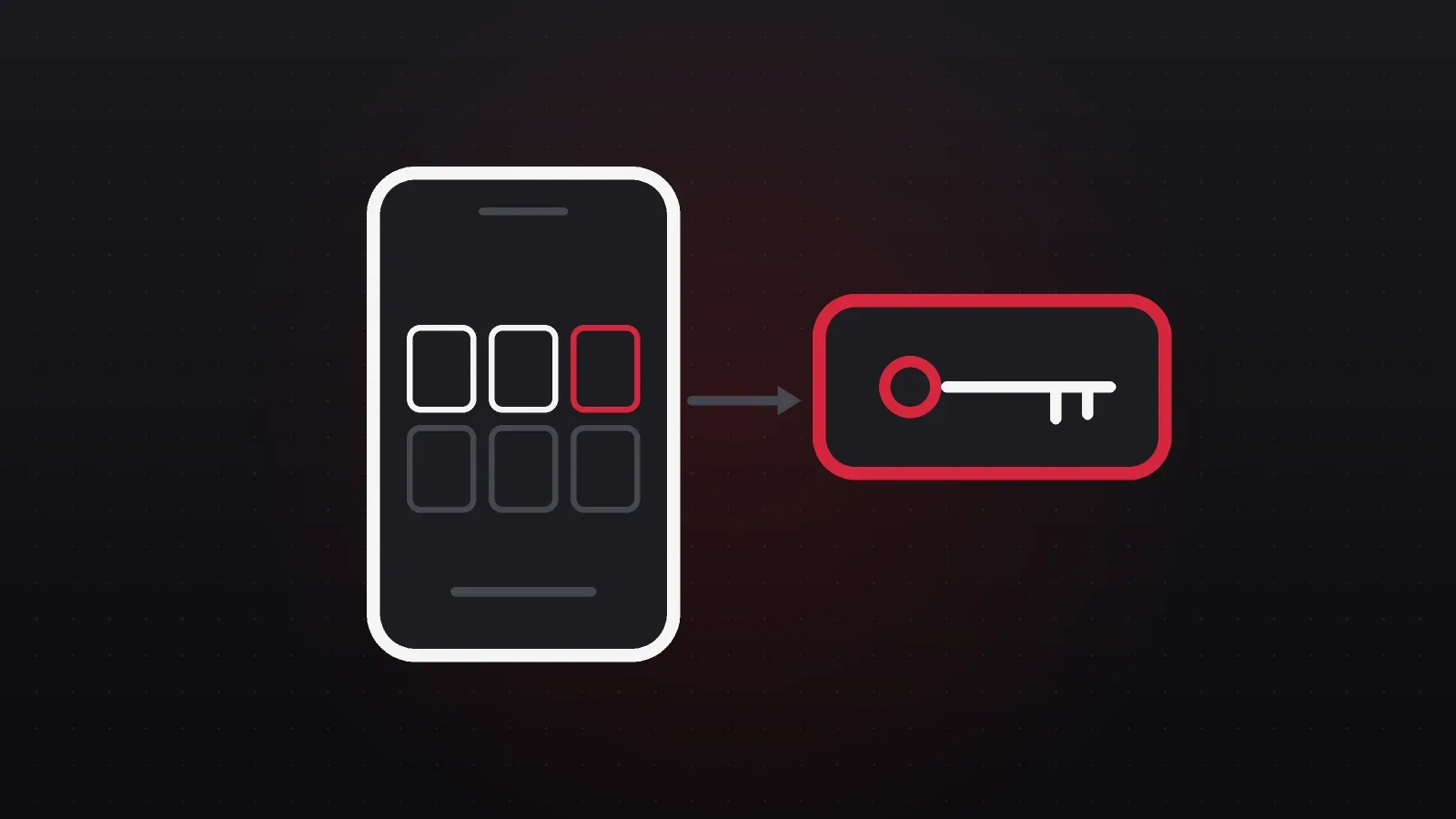
A security key is the strongest second step because it resists phishing, an authenticator app is the best default for most people, and SMS codes are the weakest yet still beat a password alone. Whichever you pick, turn on two-factor authentication for email and financial accounts first.
Table of contents 7 sections
- Two-factor authentication pairs your password with a second, different kind of proof such as a code or a hardware key.
- A security key using FIDO2 and WebAuthn is phishing-resistant, which makes it the strongest common option.
- Authenticator apps generate codes locally from a shared secret and avoid the SIM swap risk that affects SMS.
- SMS codes are the weakest second step, but CISA says any form of MFA is better than none.
- Register a backup method and store recovery codes offline before you need them.
Two-factor authentication asks for two different kinds of proof before an account opens, so a stolen password alone is not enough. The usual second steps are a text-message code, a code from an authenticator app and a physical security key, and they are not equally strong: a security key resists phishing, an app is a solid default, and SMS is the weakest option that is still far better than nothing.
How does two-factor authentication work?
The proofs come from different categories: something you know, such as a password; something you have, such as a phone or a key; or something you are, such as a fingerprint. CISA's fact sheet on phishing-resistant MFA defines multifactor authentication as combining two or more of these. An attacker who phishes or buys your password still cannot sign in without the second item.
The protection is large. A Microsoft study of enterprise accounts that had shown suspicious activity found that multifactor authentication reduced the risk of compromise by 99.22% across the population, and by 98.56% when the credentials had already leaked. It also found that authenticator apps performed better than SMS. Those figures describe business accounts, but the mechanism is the same for anyone.
Why is SMS the weakest second step?
An SMS code travels over the phone network to a number, and anyone who controls that number can read it. In a SIM swap, a fraudster persuades your carrier to move your number to a SIM card they hold. CISA also lists attacks on SS7, the signalling protocol that links carriers, as a way to intercept text and voice codes. And a code sent by SMS can still be typed into a fake login page.
Official guidance reflects this. NIST's current digital identity guidelines, SP 800-63B, classify authentication over the public phone network as a restricted authenticator and expect services that accept it to offer an alternative. CISA's fact sheet ranks SMS and voice codes last and calls them a last resort.
Even so, SMS has a place. Google reported in 2019 that an SMS code sent to a recovery phone number helped block 96% of bulk phishing attacks and 76% of targeted attacks in its study, against 99% and 90% for on-device prompts. For most people, an SMS code beats a password alone by a wide margin.
Are authenticator apps good enough?
For most people, yes. When you scan the QR code at setup, the site and your app share a secret key. After that, both compute the same short numeric code, usually six digits, from that key and the current time.
The code changes every 30 seconds by default and works without a signal. The method is a published standard, the time-based one-time password algorithm in RFC 6238. There is no phone number to hijack, and the codes never cross the phone network. The main risk is losing the phone, so choose an app that supports encrypted backup or transfer and save the recovery codes that sites provide.
What makes a security key stronger?
A security key is a small hardware device, usually connected by USB or NFC, that implements the FIDO2 and WebAuthn standards. At setup it creates a key pair for that site. The private key never leaves the device, and the site stores only the public key.
At login the key signs a challenge tied to the site's real address, so a lookalike domain gets nothing usable. CISA describes this phishing-resistant approach as the gold standard. In Google's study, no users who relied exclusively on security keys fell victim to targeted phishing.
The trade-offs are cost, carrying a device and patchy support: not every site accepts a key, so buy two and register both. Passkeys, which our guide explains in full, rest on the same standards and build the key into your phone or laptop.
What can still go wrong with two-factor authentication?
No second step is perfect, and the failures follow a pattern.
- Real-time phishing. A fake login page collects your password and your one-time code, then replays both to the real site while the code is still valid. Only phishing-resistant methods, such as security keys and passkeys, stop this, as CISA's fact sheet explains.
- Push bombing. An attacker who already has your password triggers prompt after prompt until you tap approve out of irritation. Number matching, where you type a number shown on the login screen, makes that harder.
- Number hijacking. SIM swaps and SS7 attacks target codes sent by SMS or voice, as described above.
- Weak recovery. If anyone can reset your account through an easily guessed question or a hijacked inbox, the second step is bypassed. Treat recovery options as part of your two-factor authentication setup, not an afterthought.
Which two-factor authentication method should you choose?
- Highest protection: a security key or passkey, for email, financial and work admin accounts, and for anyone likely to be targeted, such as journalists or campaign staff.
- Best everyday choice: an authenticator app, with number matching on push prompts if the service offers it.
- Acceptable fallback: SMS, when it is the only option a service provides. Use it rather than going without.
- The rule that never changes: turn something on. CISA's fact sheet notes that any form of MFA is better than none.
How do you set it up without locking yourself out?
- Start with your main email account, because password resets for every other account flow through it, then add your bank, cloud storage and social accounts.
- Open the security or sign-in settings and look for two-factor, two-step or multifactor options. The name varies by service.
- Pick the strongest method on offer, then register a second one as a backup, such as a spare key or an app plus SMS.
- Store the recovery codes offline, in a password manager or on paper kept somewhere safe.
- Never read a code aloud or type it into a page you reached from a message. Our guide to spotting a phishing email shows the usual lures.
Once a year, remove old phone numbers and retire lost devices, so that every backup in your two-factor authentication setup is one you still control.

0 comments
No comments yet — be the first.