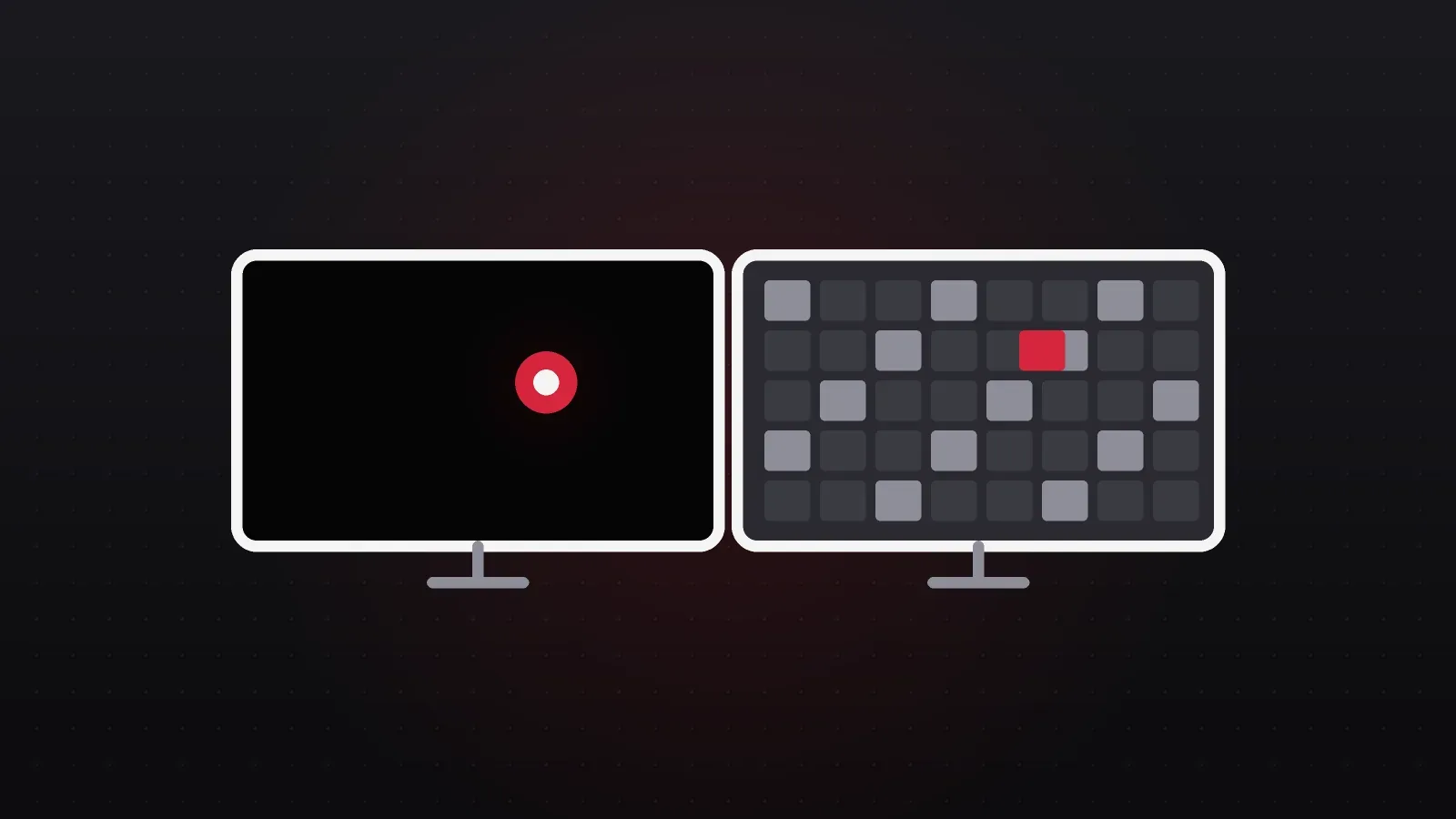
OLED has the best black levels, contrast, viewing angles and motion because every pixel makes its own light. Mini-LED is an LCD with thousands of small backlight LEDs, so it gets brighter and suits bright rooms. A basic LCD is cheapest but has weaker contrast. Pick by room, content and budget.
Table of contents 7 sections
- OLED pixels make their own light, so blacks are perfect and viewing angles are wide, but static images can cause burn-in over years.
- Mini-LED is an LCD with a backlight of thousands of small LEDs in dimming zones, and it is usually brighter than OLED.
- The Mini-LED label has no formal definition, so judge a TV by measured reviews, not by zone counts or badges.
- Choose OLED for dark rooms and gaming, Mini-LED for bright rooms and sport, and an LCD when budget matters most.
- Use an LCD or Mini-LED panel rather than OLED if the screen shows static windows for most of the day.
In an OLED vs Mini-LED comparison, OLED wins on black levels, contrast, viewing angle and motion, while Mini-LED wins on brightness. A plain LCD costs less but trails both on contrast. Choose OLED for dark-room films and gaming, Mini-LED for bright living rooms, and a well-reviewed LCD when budget comes first.
How does each screen make light?
All three are flat panels, but they make light differently. An LCD cannot glow by itself: its liquid crystals only block or pass light from a backlight, and colour filters turn that light into red, green and blue. Almost every non-OLED TV of the last decade or so uses LEDs behind or beside the panel as that backlight.
An OLED (organic light-emitting diode) screen has no backlight. Each pixel produces its own light and can switch off completely, so a bright star can sit beside pure black with no glow. Mini-LED is not a third technology. It is an LCD whose backlight uses far more and far smaller LEDs, grouped into zones that can be dimmed separately.
What does Mini-LED actually mean?
The label has no formal definition. According to the testing site RTINGS, the term was introduced by TCL in 2019 and implies smaller, more numerous backlight LEDs, with some brands following an unofficial range of 100 to 200 micrometres per LED. Traditional LED TVs typically use a few dozen to a few hundred LEDs, while most Mini-LED sets use many thousands.
More zones help, but the software that decides how bright each zone should be matters at least as much. When a bright object is smaller than a zone, the whole zone must stay lit, which creates a halo, also called blooming, around subtitles and highlights. Some sets carry the badge while using basic edge-lit dimming, so judge a model by measured reviews rather than by the label.
OLED vs Mini-LED: where does each one win?
- Black level and contrast: OLED. Pixels that are off emit no light. Mini-LED gets close but can show halos around bright objects.
- Peak brightness: Mini-LED. Lab tests show Mini-LED sets are on average brighter, and the gap is widest on full-screen bright scenes (what testers call a 100% window), where OLEDs have historically fallen short, although newer OLED panels are narrowing the gap. That helps in sunlit rooms and with sport.
- Viewing angle: OLED. Colour and contrast hold up farther off-axis, while LCD panels, VA types especially, fade sooner when you sit to the side.
- Motion: OLED. Pixels change shade almost instantly, which sharpens fast action and gaming. The same speed can make film shot at 24 frames per second look slightly juddery to some viewers.
- Colour: close, with an edge to QD-OLED. Most Mini-LED sets and QD-OLED panels both use quantum dots to produce pure primary colours, while white-OLED panels filter white light.
- Sizes and prices: Mini-LED. It spans a wider range of sizes and price points, whereas OLEDs tend to start higher.
The RTINGS head-to-head reaches the same verdict: OLED is the leader in dark-room performance, and Mini-LED is usually the better pick for bright rooms.
What are WOLED and QD-OLED?
There are two main OLED designs in TVs, developed separately by LG and Samsung. White OLED (WOLED) starts with white light and passes it through red, green and blue filters, with an extra unfiltered white subpixel that adds brightness. QD-OLED starts with blue light and uses quantum dots to convert it into red and green.
In RTINGS' tests QD-OLED tends to lead on colour volume and viewing angle, while white OLED can look a little washed out in very bright scenes because it leans on that white subpixel. Treat the difference as a tie-breaker between two OLED models, not a reason to rule either design out.
Is OLED burn-in still a worry?
OLED materials are organic, and like most organic compounds they wear. If one part of the screen shows the same bright element for thousands of hours, such as a news ticker, a game's health bar or a desktop taskbar, it can fade faster than its surroundings and leave a ghost image. RTINGS' long-running tests found that all OLEDs can eventually burn in under those conditions, although it may take years and varied viewing makes it unlikely to matter for most people.
Mini-LED sets do not burn in, but their backlight LEDs can fade over time, lowering peak brightness, and the panel can develop uneven patches. If you use the screen as a computer monitor with static windows for most of the day, an LCD or Mini-LED panel is the lower-risk choice. A monitor that charges your laptop over one cable is handy too, and our guide to USB-C charging explains the wattage to look for.
Where does a plain LCD still make sense?
A basic LCD has a backlight with few or no dimming zones, which is why blacks look grey in a dark room. It carries no burn-in risk, comes in many sizes and is the cheapest route to a big screen. For a bright room, a child's bedroom or a second TV, that trade can be sensible.
Panel type matters here. VA panels give deeper blacks and higher contrast but narrower viewing angles, while IPS panels hold colour better from the side but show weaker blacks. Both depend on the backlight for local dimming, so the zone and software points above still apply.
Which screen should you buy: OLED vs Mini-LED vs LCD?
- Dark room, films and gaming: OLED, for the best contrast and the fastest pixel response.
- Bright living room or daytime sport: Mini-LED with strong local dimming, because the extra brightness copes with glare.
- Tight budget, or static content for hours at a time: a well-reviewed LCD, ideally with full-array dimming.
- The biggest screen for the money: LCD or Mini-LED, since OLED size choices are narrower.
Before you decide on OLED vs Mini-LED for a specific model, read independent reviews that measure contrast, local dimming and peak brightness on that exact set. Treat zone counts and marketing labels as hints rather than proof.
Picture-processing features, including those sold as "AI" enhancement, sit on top of the panel and do not change what it can do. A smart TV also needs a steady connection, so look at Wi-Fi 7 only if your network turns out to be the weak link.
Frequently asked
- What Is Mini LED? — RTINGS.com
- Mini LED vs OLED — RTINGS.com
- What Is an OLED TV? — RTINGS.com
- Liquid-crystal display — Wikipedia
0 comments
No comments yet — be the first.