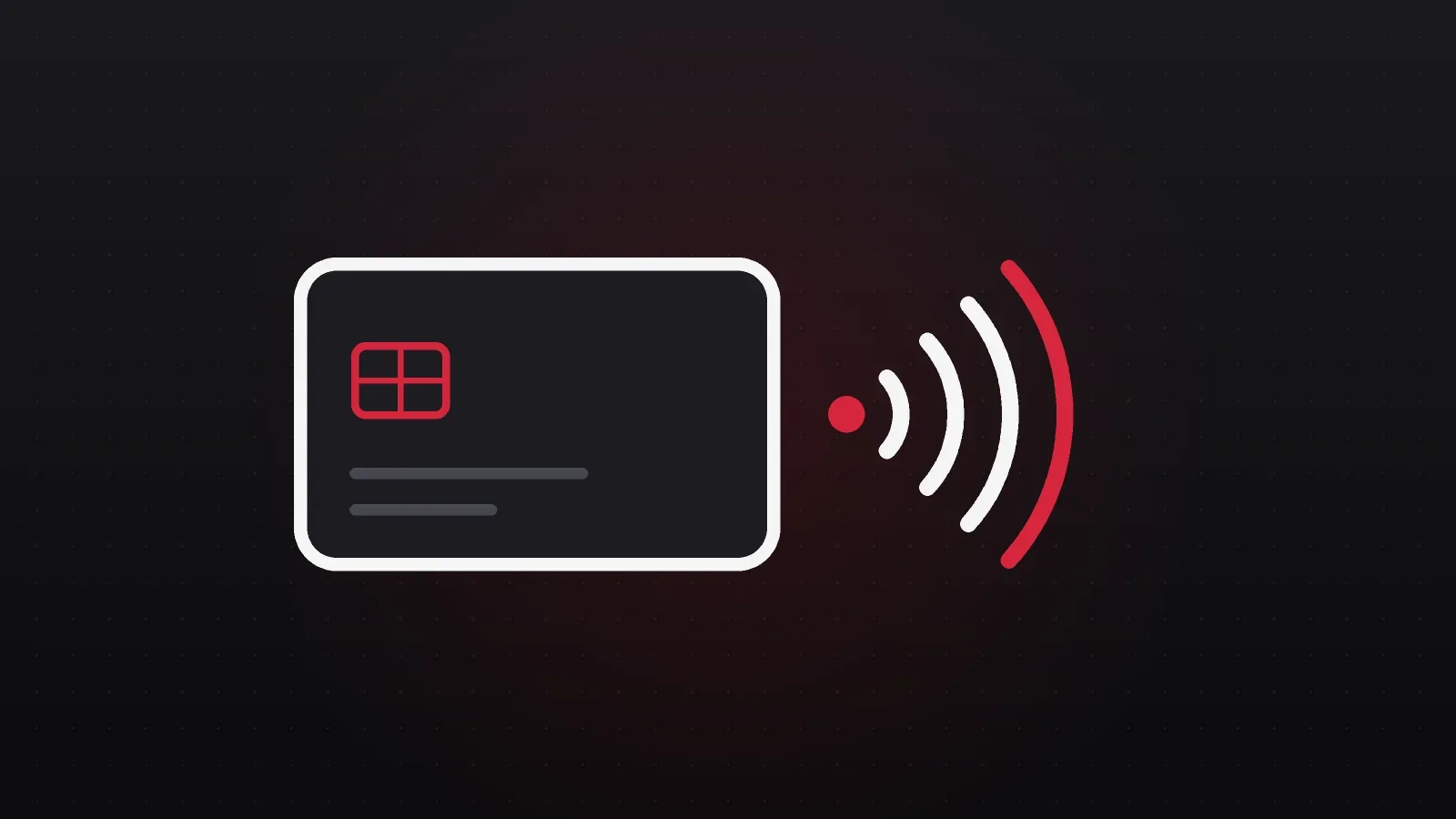
NFC works through magnetic induction at 13.56 MHz. A reader's coil creates a weak field, and a card or phone within a few centimetres answers by disturbing it. In a phone wallet, the device sends a one-time cryptographic code and a stand-in number instead of your real card number.
Table of contents 6 sections
- NFC links two devices a few centimetres apart through a 13.56 MHz magnetic field, not a broadcast radio signal.
- A passive card has no battery; the reader's field powers its chip long enough to answer.
- Each contactless payment carries a one-time cryptographic code, so a copied tap is designed to fail.
- Phone wallets such as Apple Pay send a device-specific stand-in number rather than your real card number.
- Failed taps usually come from antenna position, metal cases or two cards in the field.
How does NFC work when you tap a phone on a payment terminal? The terminal sends out a weak magnetic field at 13.56 MHz, the card or phone in range answers by subtly disturbing that field, and the two devices trade short messages in a fraction of a second. NFC, short for near-field communication, only functions when they are a few centimetres apart, which is exactly why it suits payments, door passes and transit gates.
How does NFC work at the radio level?
NFC is a short-range relative of RFID, or radio-frequency identification, and it runs at 13.56 MHz, which is 13.56 million cycles per second. It relies on magnetic induction rather than a broadcast signal. A coil in the reader produces an alternating magnetic field, and a coil in the other device picks it up, a little like a very loose transformer. Because that field fades quickly with distance, the NFC Forum, the industry body behind the technology, describes it as a link between devices only a few centimetres apart.
One side can supply power as well as data. A passive contactless card has no battery at all: the reader's field energises its chip just long enough to reply. That is why a thin piece of plastic can complete a payment, and why a sticker can store a web address that opens when you tap it.
The rules of the conversation come from published standards. NFC devices can talk to cards and readers built on ISO/IEC 14443, and to other devices using ISO/IEC 18092, so hardware from different makers understands each other. Data rates are modest next to Wi-Fi or Bluetooth, which is acceptable when the message is a short payment exchange rather than a video.
What happens in the second you tap to pay?
A contactless payment follows the EMV contactless specifications that EMVCo publishes, with each card network adding its own software, known as a kernel. In plain terms, the steps run like this:
- The terminal switches on its field and detects that a card or phone has entered it.
- The terminal asks which payment applications the device offers and selects one, using an application identifier, a short label that tells the device which payment application should answer.
- The device supplies the data the terminal needs, including a cryptographic code produced for this transaction alone.
- In a typical online transaction, the terminal forwards the data through the merchant's payment provider to the card network and your bank, which check the code and the account.
- The bank approves or declines, and the terminal shows the result, usually with a beep.
EMVCo says a one-time-use security code is generated for every transaction to guard against fraud. A copied tap is therefore designed to fail if someone tries to replay it, because the next transaction expects a different code.
How does NFC work inside a phone wallet?
A phone can behave like a contactless card, a mode the NFC Forum calls card emulation. On many phones the card is emulated by a separate chip called a secure element, a tamper-resistant component built to hold payment credentials. Android's developer documentation notes that many SIM cards contain one as well. Android also supports host-based card emulation, where an app answers the terminal directly and no secure element is involved.
What the wallet sends is not your card number. Apple's security documentation states that in stores neither Apple nor your device sends your actual card number. Instead the wallet holds a device-specific stand-in, which Apple calls a Device Account Number and keeps in the Secure Element, and it sends that number with a transaction-specific security code. The principle echoes how passkeys keep their private key on your device: the secret stays in protected hardware, and only proof of it travels.
Wallets typically ask you to unlock your phone or confirm with a fingerprint or face scan before they answer a terminal, so a lost phone is not an open wallet.
What else can NFC do besides payments?
The same radio link serves several purposes. The NFC Forum lists these modes:
- Reader/writer: a phone reads or writes a tag. Tags store data as NDEF records, so tapping a poster or sticker can open a link or start navigation.
- Card emulation: the phone acts as a payment card or transit ticket.
- Peer-to-peer: two devices touch to swap a small amount of data.
- Wireless charging: a specification covers up to 1 W over about 2 cm, meant for small devices rather than phones.
Some physical security keys also connect to a phone by NFC, which is one reason to read our comparison of SMS, app and security-key sign-ins.
Is tap to pay safe?
EMVCo says contactless relies on cryptographic functions that are more secure than a magnetic stripe. The short range helps too: someone would need to hold a reader within a few centimetres of your card or phone to read anything, and the one-time code makes captured data hard to reuse.
The weak points sit elsewhere. A lost physical card can usually make small purchases without a PIN, and the limits vary by country and bank. Scammers also try to talk people into tapping a card against their own phone or installing a fake "verification" app. Treat any request like that as a red flag, and see our guide on how to spot a phishing email for the warning signs.
How to make taps work every time
- Find the antenna. Its position varies by model, so hold the back of the phone against the reader's contactless symbol and shift it slightly if nothing happens.
- Hold still for a full second instead of swiping past. The exchange needs a moment to finish.
- Remove thick or metal cases and metal plates. Metal near the antenna can weaken or block the field.
- Present one card at a time. Two contactless cards in the field can confuse the terminal.
- Check that NFC is switched on in settings and that your wallet has a default card.
- Know how to lock or wipe a lost phone remotely, and how to freeze a card through your bank.
As a rule, use the phone wallet when a shop supports it, because the stand-in number protects your real one, and keep a physical card as a backup for the day the battery dies.
Frequently asked
- NFC Technology — NFC Forum
- EMV Contactless Chip — EMVCo
- Apple Pay security and privacy overview — Apple Support
- Host-based card emulation overview — Android Developers
0 comments
No comments yet — be the first.