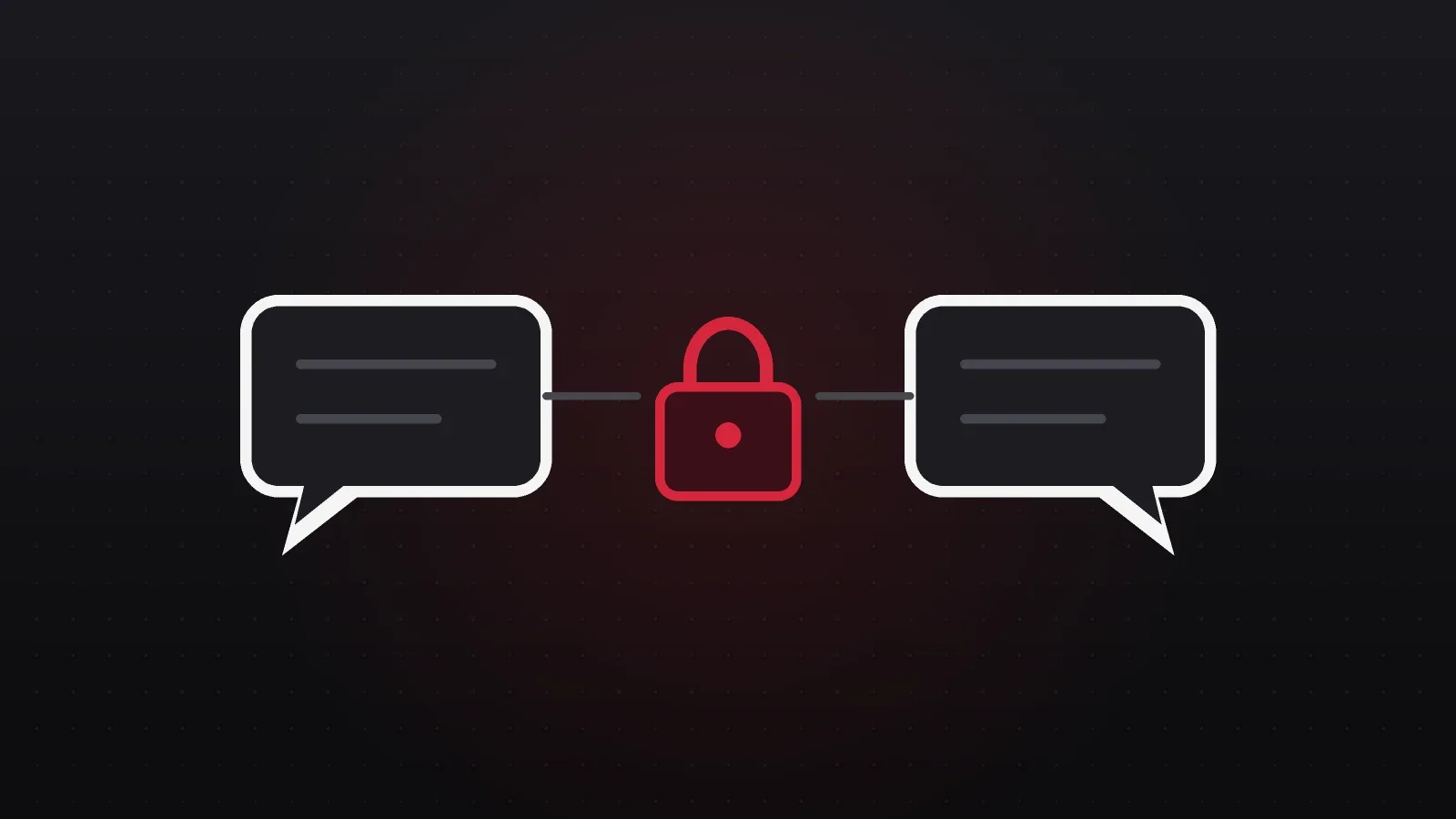
End-to-end encryption scrambles a message on the sender's device and unscrambles it only on the recipient's device. The keys never reach the app's servers, so the company, the network and eavesdroppers cannot read any of the content, although metadata and unprotected backups may still be visible.
Table of contents 8 sections
- End-to-end encryption keeps the decryption keys on the two devices in a conversation, so the provider and the network cannot read the content.
- Ordinary TLS encryption protects the route to the server, but the company can still read what arrives there.
- Metadata, unencrypted backups, malware and the other person's phone all sit outside the protection.
- Signal, WhatsApp personal chats and iMessage encrypt this way by default, while Telegram does so only in secret chats.
- Comparing security codes and securing your account and backups matter as much as the app you choose.
End-to-end encryption means that only the sender and the recipient can read a message. The company running the app, the network carrying the data and anyone tapping the connection see scrambled bytes, because the keys that unscramble them exist only on the two devices in the conversation.
What is end-to-end encryption and how does it work?
Every device in a conversation generates a pair of keys: a public key it shares freely and a private key that never leaves the device. Using each other's public keys, two devices work out a shared secret that nobody watching can reconstruct, a step called key agreement. That secret then becomes the key for fast symmetric encryption of the messages themselves.
The app's servers play a limited role. They keep a directory of public keys and pass along ciphertext, the scrambled form of a message, without being able to open it.
The best-known design is the Signal Protocol, which pairs a key agreement with the Double Ratchet algorithm. Each message gets its own key, and keys can be deleted after use, so a key stolen later cannot unlock earlier messages. That property is called forward secrecy. WhatsApp built its encryption on the same protocol.
How does it differ from the encryption most apps already use?
Almost every app encrypts traffic between your phone and its servers with TLS, the protocol behind the padlock in a browser. This transport-layer encryption stops people on the same Wi-Fi network from reading your messages. But the Electronic Frontier Foundation points out in its guide to encryption that the service decrypts the message when it arrives, so the company can read and store it. That leaves the content open to law enforcement requests and to leaks if the servers are breached.
Some providers also encrypt the data they store on their servers. When the company holds those keys, it can still decrypt the data whenever it chooses, so stored-data encryption is a different protection from the end-to-end kind. Three levels are worth keeping apart:
- No encryption: every computer along the route can read the message.
- Transport-layer encryption: outsiders on the network cannot read it, but the provider can.
- End-to-end encryption: neither outsiders nor the provider can read it, because only the two endpoints hold the keys.
A VPN does not change this. It protects the path between your device and the VPN server, while the chat service still holds the keys to an ordinary chat. Our explainer on how a VPN works covers where that protection starts and stops.
Which apps use it by default?
Signal, WhatsApp personal chats and Apple's iMessage are end-to-end encrypted by default. Telegram is the common surprise: its ordinary text chats are not, and only its optional secret chats are. Plain SMS and standard email are not end-to-end encrypted either. Check an app's own help pages, because a protection that is off by default shields almost nobody.
What end-to-end encryption does not protect
The technique protects message content on the wire and on the provider's servers. It does not make you invisible, and the gaps sit outside the mathematics.
- Metadata. Depending on the app, the provider may still see who you contact, when and from which network address, even though it cannot see what you say.
- Your devices. Malware, a stolen unlocked phone or someone reading over your shoulder sees messages after they are decrypted.
- Backups. A chat history copied to a cloud backup may be stored in a form the provider can read, unless the service offers encrypted backups and you have switched them on.
- The other person. A recipient can screenshot, forward or quote anything you send.
Can someone simply break the encryption?
Attacking the mathematics is the least promising route into a conversation. The AES cipher uses keys of 128, 192 or 256 bits. A 128-bit key has roughly 340 undecillion possible values, and even if 1 billion computers each tested 1 billion keys every second, trying them all would take more than 10 trillion years.
Attackers therefore go around the cipher. They infect a phone, take over an account, or persuade the user to hand over a code. That is why a guide to spotting a phishing email belongs in any privacy plan next to the choice of messaging app.
Why do governments and companies argue about it?
Because the provider holds no keys, it cannot hand over readable message content even when ordered to. It can only produce what it stores, such as account details. For journalists, activists and ordinary people, that is the whole point. Some governments want a way to read messages in serious criminal cases, while many security researchers argue that any deliberate weakness can be found and abused by others too.
How do group chats stay private?
Two-person chats are the easy case. In a group, every member needs access to the same keys while people join, leave and go offline at different times. The IETF standardised a protocol for this problem, Messaging Layer Security, published as RFC 9420 in July 2023. It defines efficient group key establishment with forward secrecy and post-compromise security, which means a leaked key stops being useful once the group refreshes its keys.
How to check that your chats are really protected
- Confirm which chat types are encrypted end to end by default, and which are not.
- Compare the security code (WhatsApp) or safety number (Signal) with important contacts, in person or over a separate channel. A match shows nobody has swapped the keys in between.
- Find out whether your chat backups are encrypted, and turn on encrypted backups or switch cloud backups off for sensitive conversations.
- Use disappearing messages for sensitive chats to limit how many copies linger, remembering that they cannot stop a screenshot.
- Protect the account itself with a strong passcode and two-factor authentication, and keep the phone's operating system updated.
Treat end-to-end encryption as one strong layer rather than a guarantee. It takes the provider and the network off the list of people who can read your messages, which is a large gain. The remaining risks are the devices and the people at each end.
Frequently asked
- What Should I Know About Encryption? (Surveillance Self-Defense) — Electronic Frontier Foundation
- The Double Ratchet Algorithm — Signal Messenger
- The X3DH Key Agreement Protocol — Signal Messenger
- RFC 9420: The Messaging Layer Security (MLS) Protocol — IETF

0 comments
No comments yet — be the first.