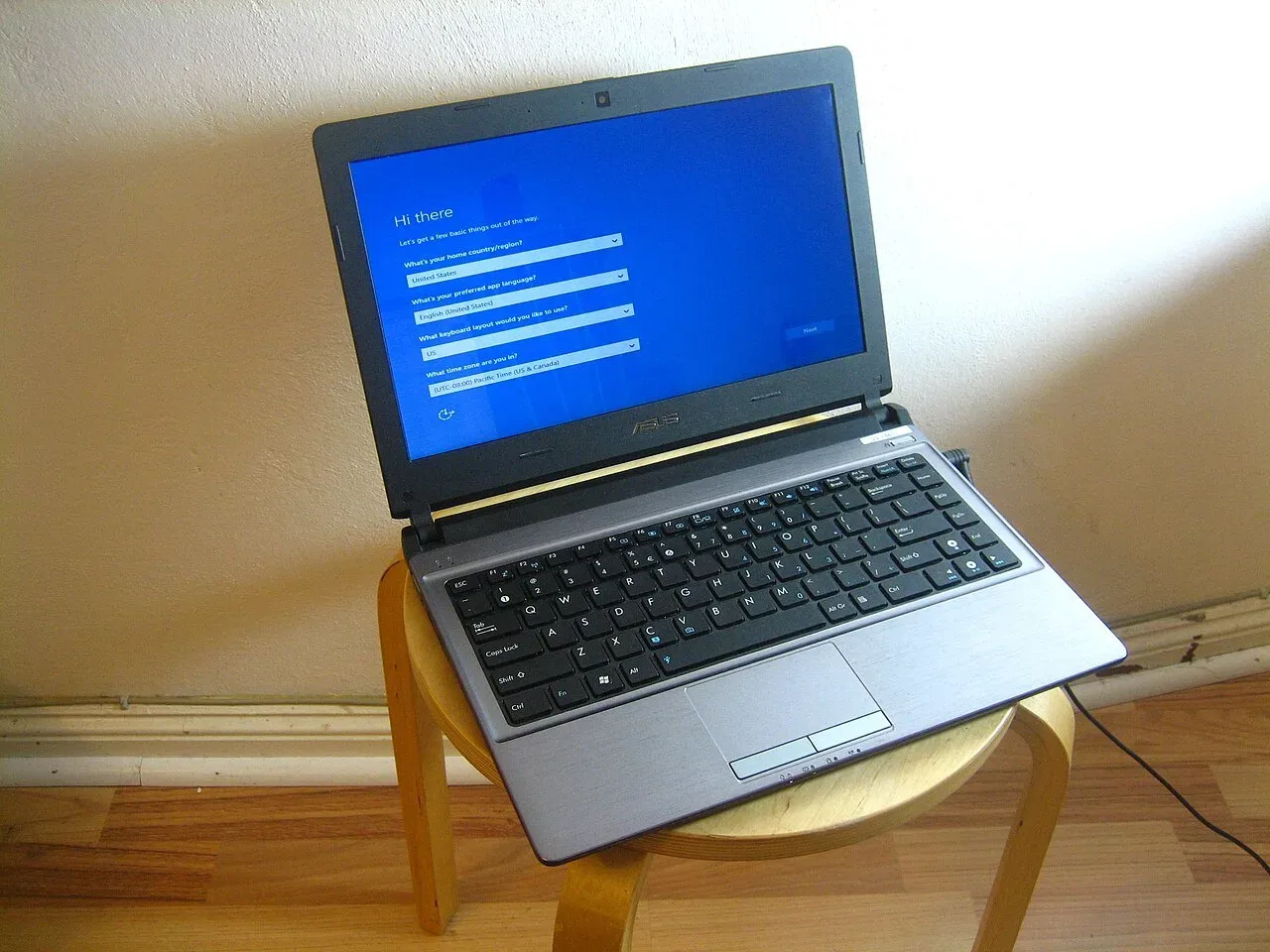
Windows 11 cloud rebuild is a recovery option added in KB5132061 on 10 November. It downloads a Windows image and drivers from Windows Update and reinstalls the system without a USB drive, even if the PC cannot start. It erases local data, so back up files before using it.
Table of contents 6 sections
- Microsoft added cloud rebuild to Windows 11 in the 10 November cumulative update KB5132061.
- The tool reinstalls Windows from an image and drivers downloaded from Windows Update, with no USB drive required.
- It is a full reinstall that removes files, and its secure erase option is irreversible, so back up first.
- Administrators can launch a rebuild remotely through the Recovery CSP, aiming at the current or a chosen build.
- Some 24H2 Enterprise and Education devices fail to install the update, and Microsoft is pushing an automatic repair.
Windows 11 cloud rebuild is now part of the cumulative update KB5132061, which Microsoft released on 10 November with the month's security patches. The feature reinstalls Windows from an image and drivers downloaded from Windows Update, with no USB stick or custom image, and it can run when the PC cannot boot.
How Windows 11 cloud rebuild works
Until now, a broken Windows install usually meant creating installation media on another computer. Cloud rebuild moves that step online. BleepingComputer's review of the update says the PC downloads a Windows image and the device drivers it needs, then reinstalls the operating system, including when Windows is unable to start.
You can launch it in two ways. From a working PC, open Settings, then System, then Recovery, and choose Rebuild PC. From a machine that will not boot, the Windows Recovery Environment offers it after repeated boot failures, under Troubleshoot, then Recovery and uninstall, then Cloud rebuild. You must review the target build, edition and language and confirm a data loss warning.
The PC needs a wired Ethernet or Wi-Fi connection. The update also lets the recovery environment reuse saved Wi-Fi profiles, including some certificate-based networks, which is on by default and can be switched off by network administrators.
It erases your files, so plan around that
This is a full reinstall. The tool lets you remove your files or securely erase the drive using the storage device's own erase function, and Pureinfotech notes that the secure erase is irreversible. Treat cloud rebuild as a last resort after simpler fixes, not as a repair that keeps your documents.
Before you ever need it, make sure your data lives somewhere else. A recent copy in cloud storage or on an external drive is the only protection against losing local files. Note your Microsoft account details and any BitLocker recovery key as well, because both can be needed after a reinstall.
What IT teams can do with it
The feature is aimed at fleets as well as home users. Administrators can start a rebuild remotely through the Recovery configuration service provider, aiming at either the current build or a specific one. That could shorten the repair of a laptop in a remote office, since nobody has to ship a USB drive or walk through a reinstall by phone.
It also depends on the network. A device in the recovery environment needs a working network driver and a route to Windows Update, which a locked-down corporate network or proxy may not allow without changes. Test it on a pilot group before you count on it for recovery plans.
Which Windows versions get the update
KB5132061 installs build 26300.9974 on Windows 11 26H2, 26200.9974 on 25H2 and 26100.9974 on 24H2. Microsoft's support page lists 24H2 for Enterprise and Education editions only. Home and Pro editions of 24H2 reached end of support in October, which we covered in our guide to Windows 11 24H2 end of support. Version 23H2 gets a separate security-only update, KB5131087.
New features arrive through a gradual rollout, so cloud rebuild and the other additions may not appear on your PC on the first day. Pureinfotech says availability varies by device, region and configuration, and that some features reach Europe later.
For home users the simplest test is to treat it like a fire drill. Once you have a backup, look at the Recovery page, read what Rebuild PC offers on your own machine and note which options appear, so you know where everything is on a bad day. Do not run the rebuild just to try it, because it will erase the PC.
Other changes and a known installation bug
The update brings a customizable File Explorer context menu, a layout change for search results and dark mode in Folder Options. It also adds per-monitor zoom in Magnifier and expands memory integrity protection on eligible devices. Adaptive hibernation changes mean the PC hibernates less often above 80% battery and sooner below 10%. A warning notes that prompt-based DPAPI operations will be retired in April 2027.
Fixes include a long-standing USB audio issue, a crash in Windows Sandbox and VPN connection problems that came in with the September update.
Microsoft lists one known problem. Some Windows 11 24H2 Enterprise and Education devices may fail to finish installing the update and show error codes 0x80070306, 0x800f0989 or 0x800f0993. Microsoft says an automatic repair is rolling out through Windows Update over 24 to 48 hours from the morning of 11 November. If the failure continues after 48 hours, contact Microsoft Support.
One more point for administrators: a change to PowerShell script signing may cause validation to fail for scripts that contain invalid UTF-8. Affected scripts need to be saved as UTF-8 with a byte order mark and signed again.
What to do now
Install the update through Settings, then Windows Update, and then find the Recovery page to see whether Rebuild PC is there. Back up your files first, and keep a USB recovery drive until you have seen cloud rebuild work on your own hardware. IT teams should check the December Patch Tuesday on 8 December for any fixes to the recovery tool itself.
Frequently asked
- KB5132061 (Windows 11) update support page — Microsoft Support
- Windows 11 KB5132061 and KB5131087 cumulative updates released — BleepingComputer
- KB5132061 (build 26300.9974) for Windows 11 drops as part of the November 2026 update — Pureinfotech

0 comments
No comments yet — be the first.