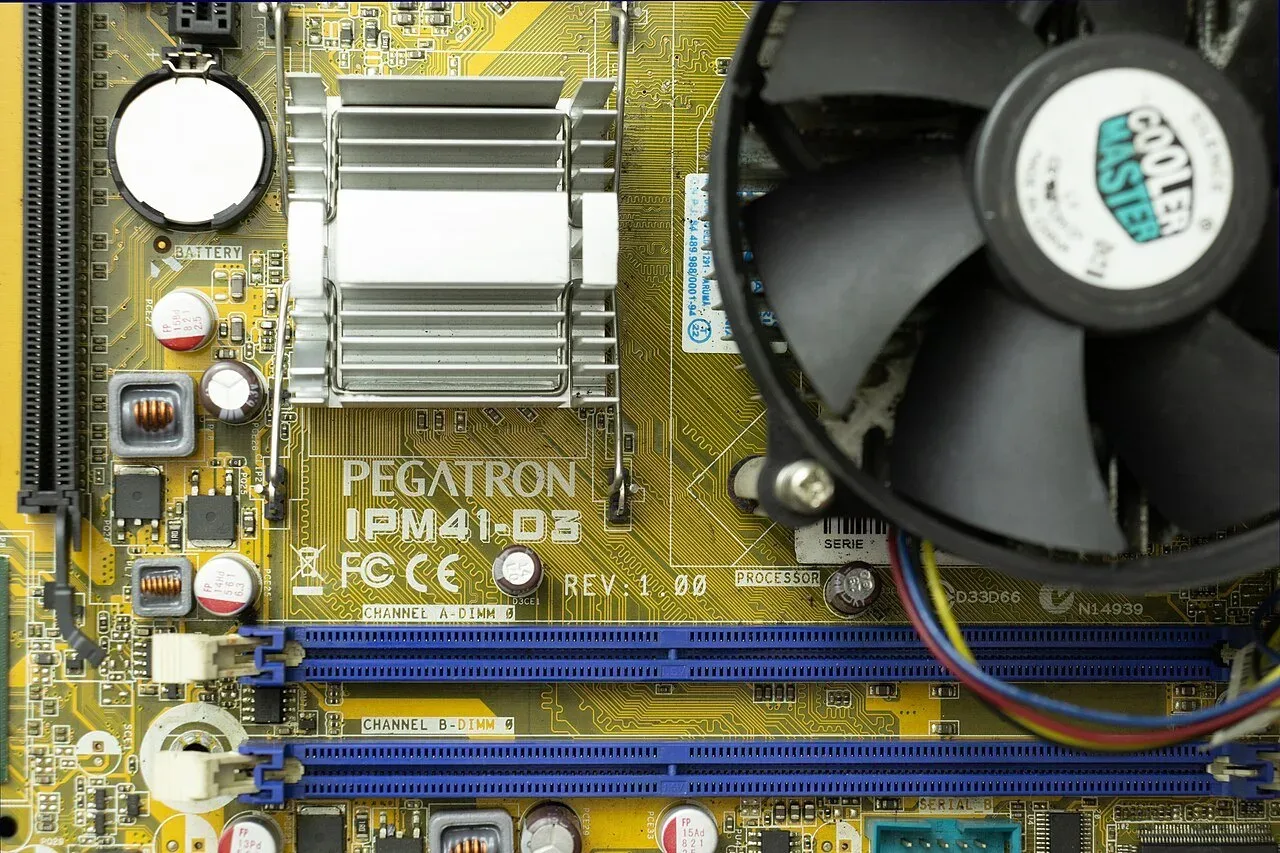
Microsoft's Windows Production PCA 2011 Secure Boot certificate expired on 19 October 2026 and is replaced by Windows UEFI CA 2023. PCs without the new certificate still boot and get normal updates, but miss future boot-level protections. Check the status in Windows Security and do not disable Secure Boot.
Table of contents 5 sections
- Microsoft's Windows Production PCA 2011 Secure Boot certificate expired on 19 October 2026.
- Two other 2011 certificates, KEK CA 2011 and UEFI CA 2011, expired on 24 and 27 June 2026.
- PCs without the 2023 certificates still boot and install normal updates but miss future early-boot protections.
- Windows 10 PCs only receive the new certificates if they are enrolled in Extended Security Updates.
- Microsoft says Secure Boot should not be disabled to work around the certificate expiration.
Microsoft's Windows Production PCA 2011, the Secure Boot certificate issued in 2011 to sign the Windows boot loader, expired on 19 October 2026. It was the last of three 2011-era Microsoft certificates to lapse this year, after two others expired in June, and it completes a transition to replacement certificates issued in 2023.
The short version for most people: your PC still starts and still installs normal Windows updates. What it may have lost, if it never received the 2023 certificates, is the ability to get future fixes for the earliest stage of the boot process. That gap is invisible until a serious boot-level flaw needs patching.
Which Secure Boot certificate expired, and what replaced it
Microsoft's support article on the certificate expiration lists four entries:
- Microsoft Corporation KEK CA 2011, which signs updates to the Secure Boot databases, expired on 24 June 2026 and is replaced by KEK 2K CA 2023.
- Microsoft UEFI CA 2011, which signs third-party boot loaders and option ROMs, expired on 27 June 2026. It is replaced by two certificates, Microsoft UEFI CA 2023 and Microsoft Option ROM UEFI CA 2023, so firmware can trust add-in card code without trusting every third-party boot loader.
- Microsoft Windows Production PCA 2011, which signs the Windows boot loader, expired on 19 October 2026 and is replaced by Windows UEFI CA 2023.
The October date drew the most attention because it covers Windows itself. Windows Latest also reports that the same 2011 certificate signs some Windows files outside the boot process, and that Microsoft's code signing is moving to a new Microsoft Windows Production PCA 2026 certificate.
What happens to a PC without the new Secure Boot certificate
Microsoft says devices that have not received the 2023 certificates "will continue to start and operate normally," and standard Windows updates keep installing. Firmware also continues to trust boot loaders signed before the expiry, unless they are explicitly revoked.
The cost comes later. According to Microsoft, those devices will no longer receive new security protections for the early boot process: updates to Windows Boot Manager, to the Secure Boot databases and revocation list, and mitigations for newly discovered boot-level vulnerabilities. Scenarios that depend on Secure Boot trust, such as BitLocker hardening, may also be affected.
This is not theoretical. Windows Latest points to BlackLotus, a 2023 bootkit that bypassed Secure Boot on fully updated Windows 11 PCs, as the kind of threat that revocation updates exist to block. A PC stuck on the old certificate chain cannot receive the next such revocation.
How to check your PC's Secure Boot certificate status
- Open Windows Security, then Device security, and find the Secure Boot section.
- "All required certificate updates have been applied" means you are done.
- "Older boot trust configuration" means you should install pending updates and restart.
- "Affected by a known issue" means Microsoft has paused the update for your hardware until a fix is ready.
- "Hardware or firmware limitations" means you need a firmware update from the PC maker.
System Information, opened by typing msinfo32, shows the Secure Boot state. If there is no Secure Boot section in Windows Security at all, the PC is using legacy BIOS mode, has Secure Boot turned off, or is running Windows 11 on unsupported hardware.
Most PCs need no action. Microsoft says most Windows devices receive the updated certificates automatically through Windows Update, as long as they run a supported version with updates unpaused and Secure Boot on. The rollout is deliberately gradual: Windows Latest reports PCs are grouped by hardware and firmware, and a group gets the update only after similar machines succeed. Some PCs restart more than once while the certificates are written to firmware.
Who is most likely to be left out
Three groups stand out. First, Windows 10 users: Windows Latest reports that Windows 10 PCs only receive the 2023 certificates if they are enrolled in Extended Security Updates. With Windows 10 still on 27.83 percent of Windows desktops in StatCounter's September 2026 figures, that is a large pool of machines.
Second, older hardware whose maker has stopped shipping firmware. Dell, for example, will not release BIOS updates for platforms that reached end of service life before 1 January 2026. Third, PCs where someone has switched Secure Boot off, which takes them out of the update path entirely.
What not to do, and what to do next
Do not disable Secure Boot to make a warning go away. Microsoft says it "should not be disabled to work around certificate expiration," and Windows Latest warns that turning it back on later can leave a PC unable to boot if its firmware only trusts the 2011 certificate. Resetting the BIOS to factory defaults carries a similar risk unless those defaults include the 2023 certificates.
Before any BIOS update, save your BitLocker recovery key somewhere off the PC; Windows Latest reports that some HP BIOS updates in April sent machines into a BitLocker recovery loop. Then install firmware from your PC maker's own support page, never from a link in an email or pop-up. Knowing how to spot a phishing email applies here too.
Microsoft refreshes its rollout data twice a month, so a PC showing "Older boot trust configuration" today may move forward after the November Patch Tuesday on 10 November. If it still shows a firmware limitation after that, contact the manufacturer and ask directly whether a BIOS with the 2023 certificates is coming.
Frequently asked
- Windows Secure Boot certificate expiration and CA updates — Microsoft Support
- Microsoft's last major Windows Secure Boot certificate expires October 19 — Windows Latest
- Desktop Windows Version Market Share Worldwide — StatCounter
0 comments
No comments yet — be the first.